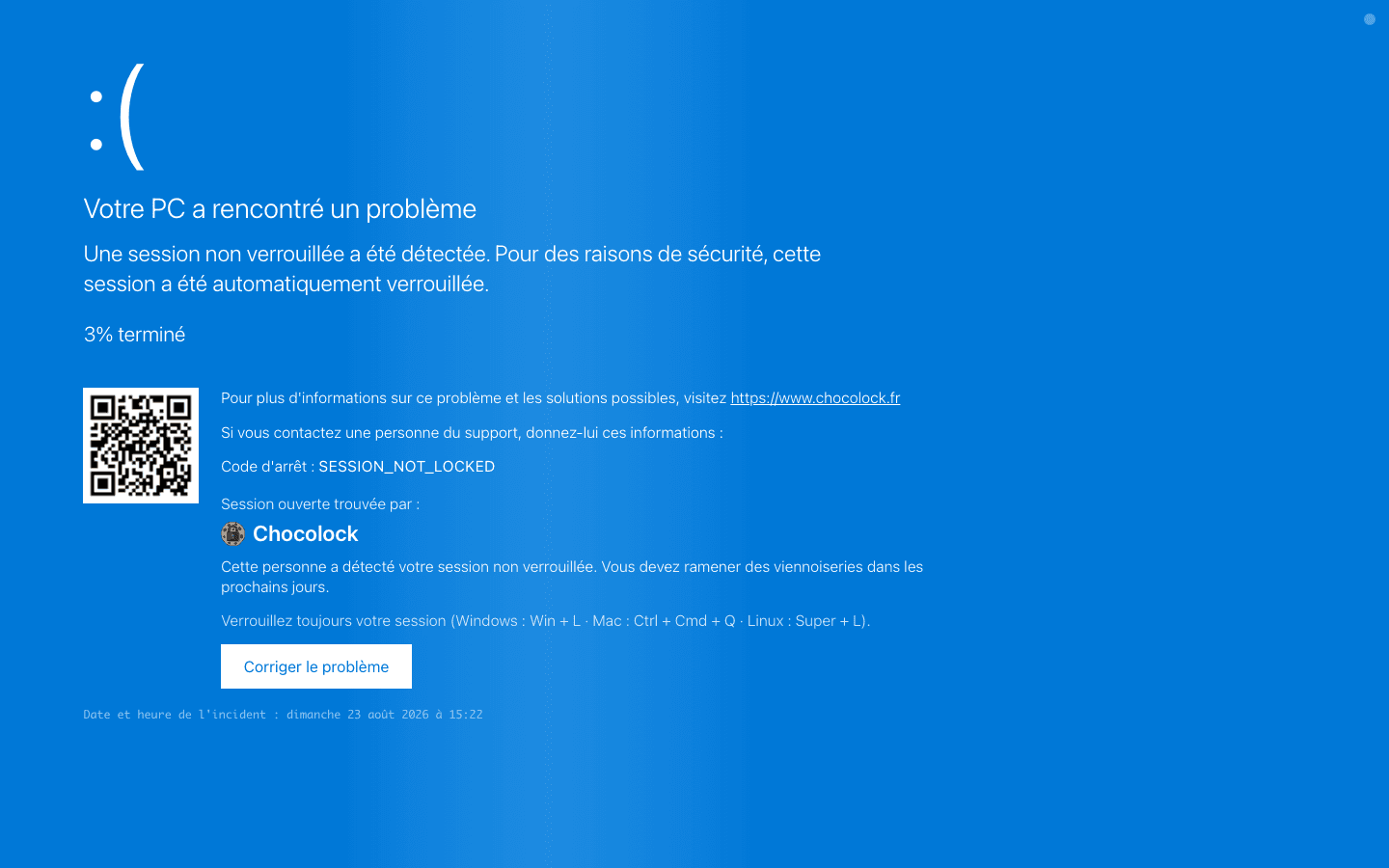
Classic ChocoLOCK
The basic tool. Sign with your name or your team's to claim the ChocoLOCK in full transparency.
Ready to useTry it
The concept
A colleague leaves their session open. The team reminds them with a fake screen, and they buy the round.
ChocoLOCK turns cybersecurity awareness into a playful, tasty and interactive experience: reminding your colleagues to lock their workstation, while building camaraderie.
Inspired by the croissantage tradition, the idea is to gently "prank" those who leave their session open with a fake lock screen (blue screen error, Windows sign-in…).
The pranked person realizes their vulnerability, and the rule says they owe pastries to whoever found the gap.
You spot a computer whose session is still open and unattended.
Open chocolock.fr in its browser.
Pick the fake screen that fits the situation best.
Confirm to bring up the fake screen. The trap is set!
The basic tool. Sign with your name or your team's to claim the ChocoLOCK in full transparency.
Opens a ready-written confession email in the caught colleague's mail client. The proof? They send it themselves.
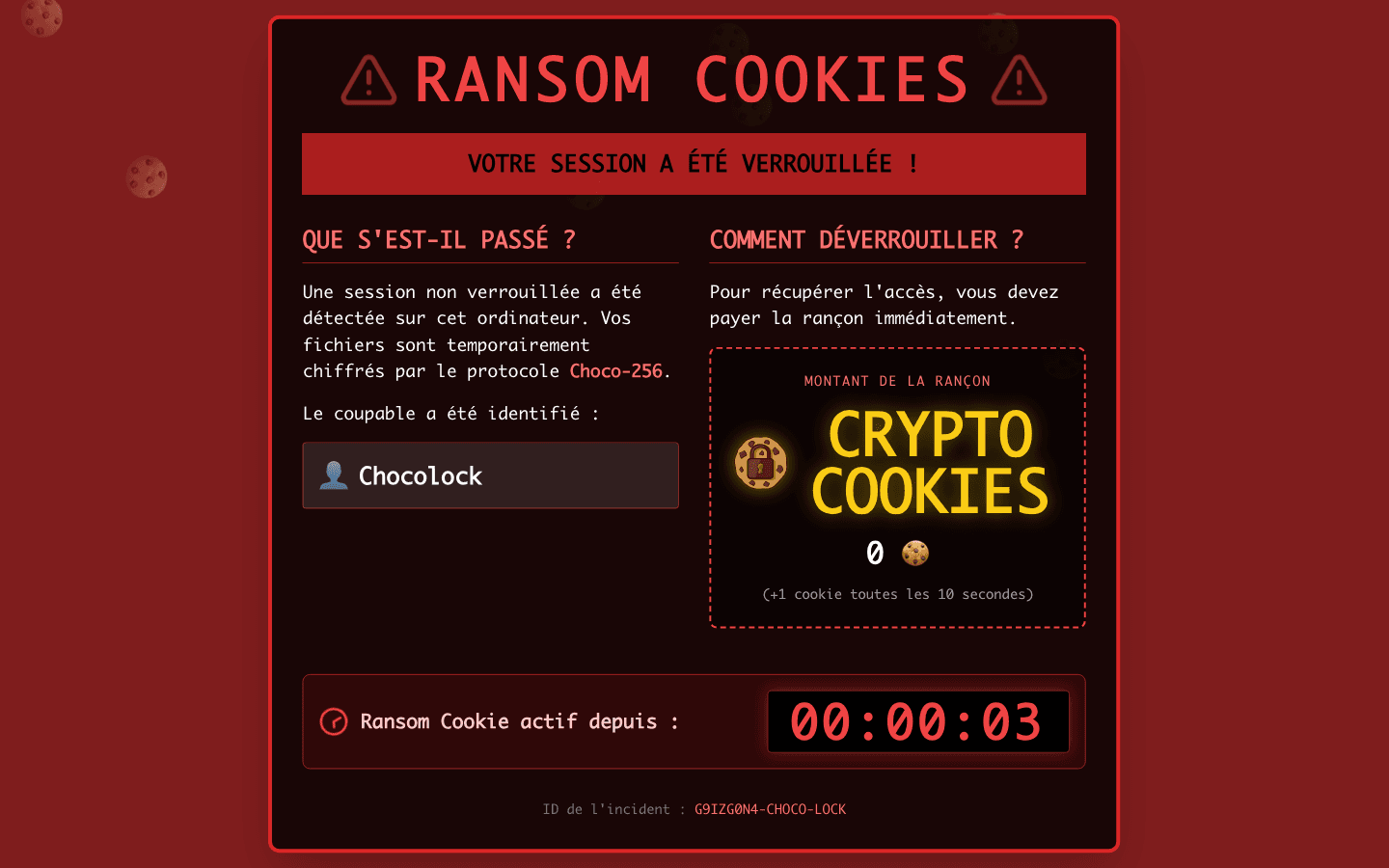
Take control from a distance. Scan a QR code, personalize the message and trigger the screen from your phone.
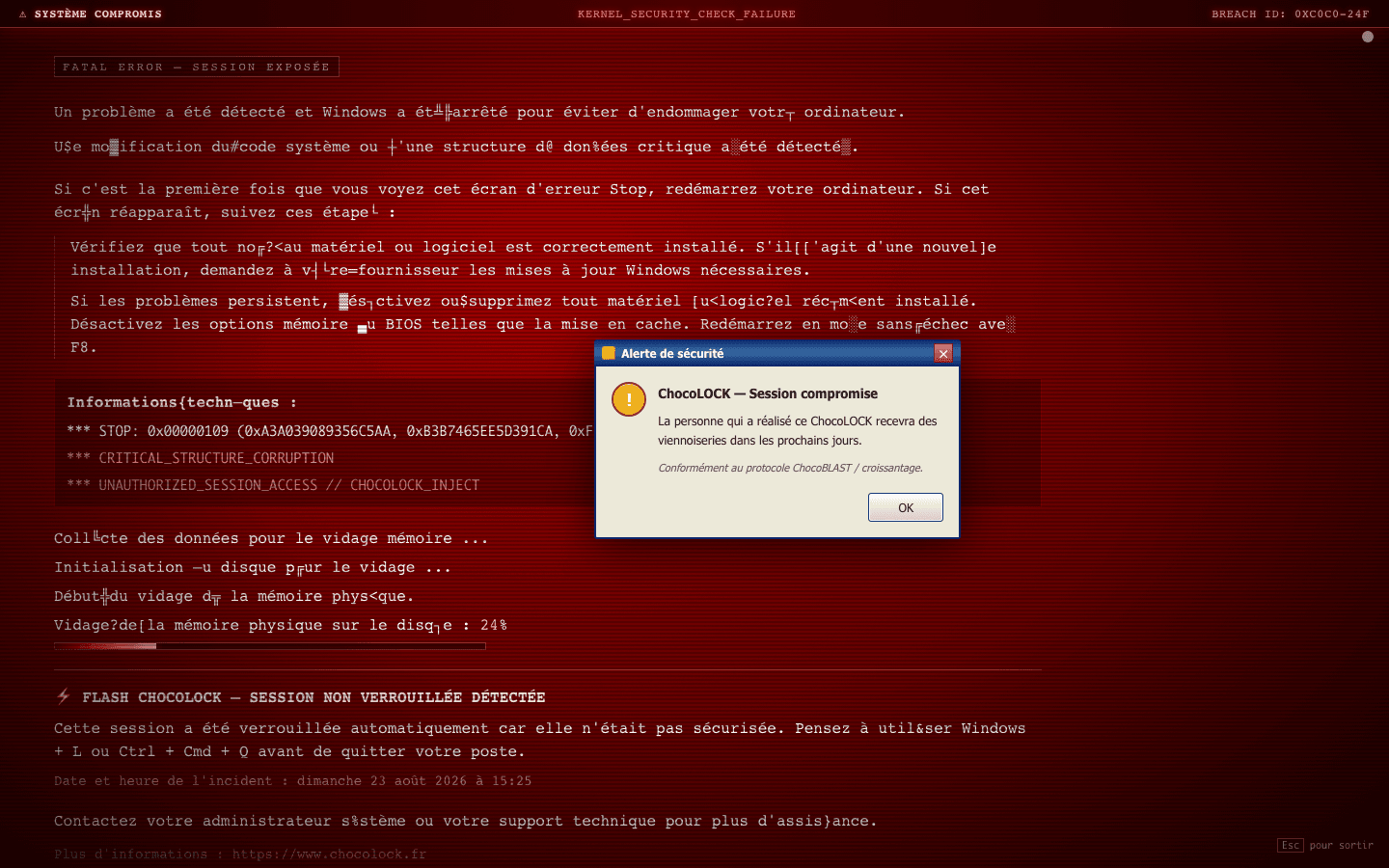
No time? Flash mode fires a Red Screen of Death with nothing to configure. One click and it's live.
Traditional croissantage meant opening the victim's inbox. ChocoLOCK stops at the browser.
An open session is full access to the company, handed to whoever walks by.
Emails or chat messages sent in your name, damaging your reputation or your company's.
Instant access to your work documents, client files, financial or HR information.
Spyware, a keylogger or ransomware installed in a matter of seconds.
A serious violation of confidentiality rules (GDPR), with heavy penalties at stake.
Your active session used as a gateway to burrow deeper into the infrastructure.
Passwords changed, access blocked, work files lost.
Lock your session whenever you step away: Windows + L on PC, Ctrl + Cmd + Q on Mac.
A croissant sticks better than a telling-off. The joke stays, so does the lesson.
The pastry forfeit gathers the team around a coffee. Security becomes hallway talk, not a memo.
The friendly fear of buying croissants does its job. After a prank or two, locking becomes automatic.
Windows or Mac updates, screensavers, system errors, broken screens. Your colleague believes it for a second.
Pranked, and you owe the croissants? Our interactive map finds the bakeries ready to welcome you.
Start building a tasty cybersecurity culture today.