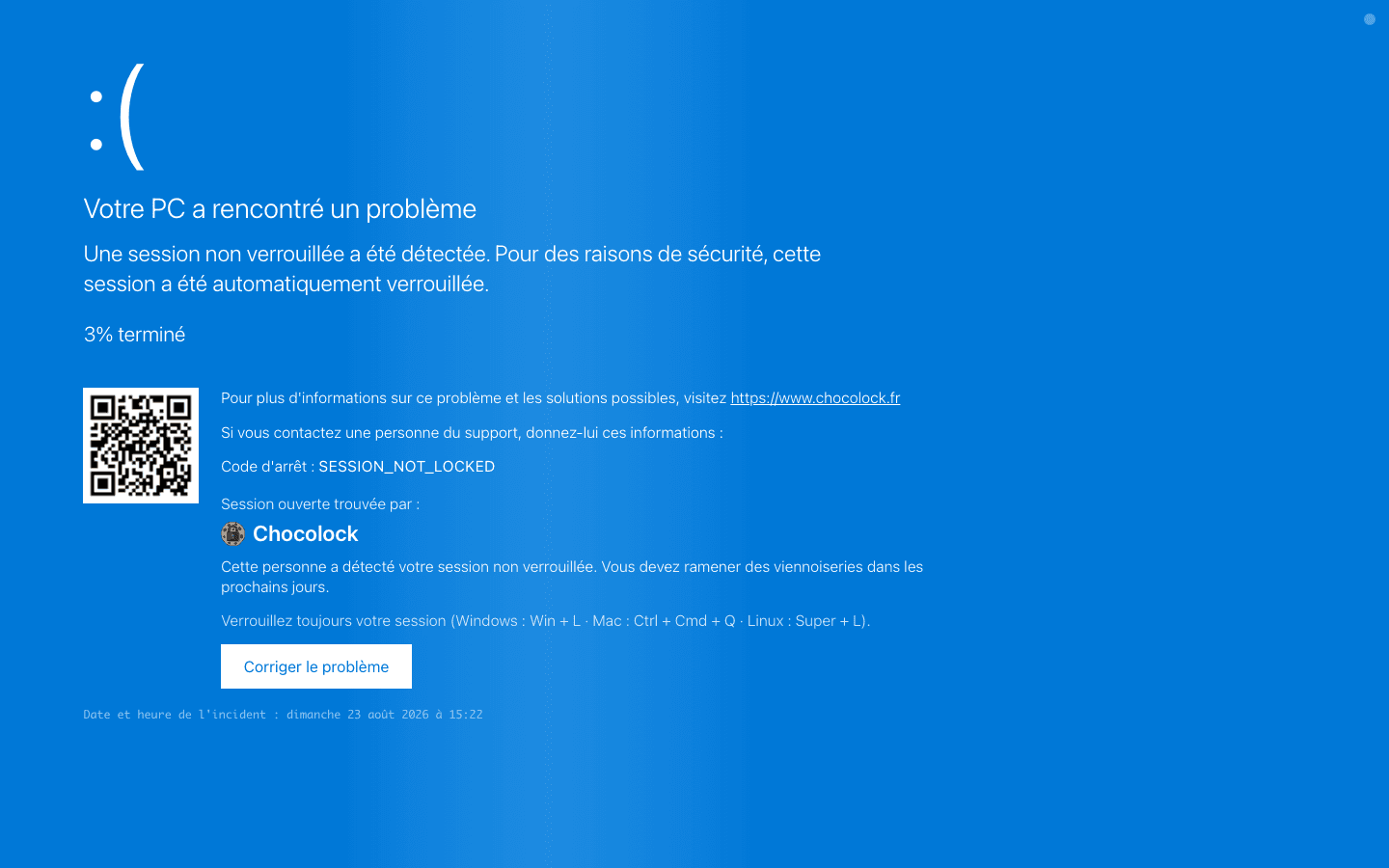
Windows blue screen
A full-screen BSOD, chilling and completely harmless.
Targeted ChocoLOCK
The least copyable ChocoLOCK. A real-time session pairs your mobile with the target's workstation by QR code. You pick the page, you trigger it remotely.
On the unlocked computer, open the ChocoLOCK popup. Scan the QR code with your phone, never touching the target's keyboard.
Sign in, name the target, then choose the page to display. A built-in style, or one of your own custom pages.
You confirm, and the lock screen launches full-screen on the computer, in real time. You can already be walking away.
The ChocoLOCK is added in violet to your stats, claimed under your name.
The built-in styles, plus every custom page on your account.
A full-screen BSOD, chilling and completely harmless.
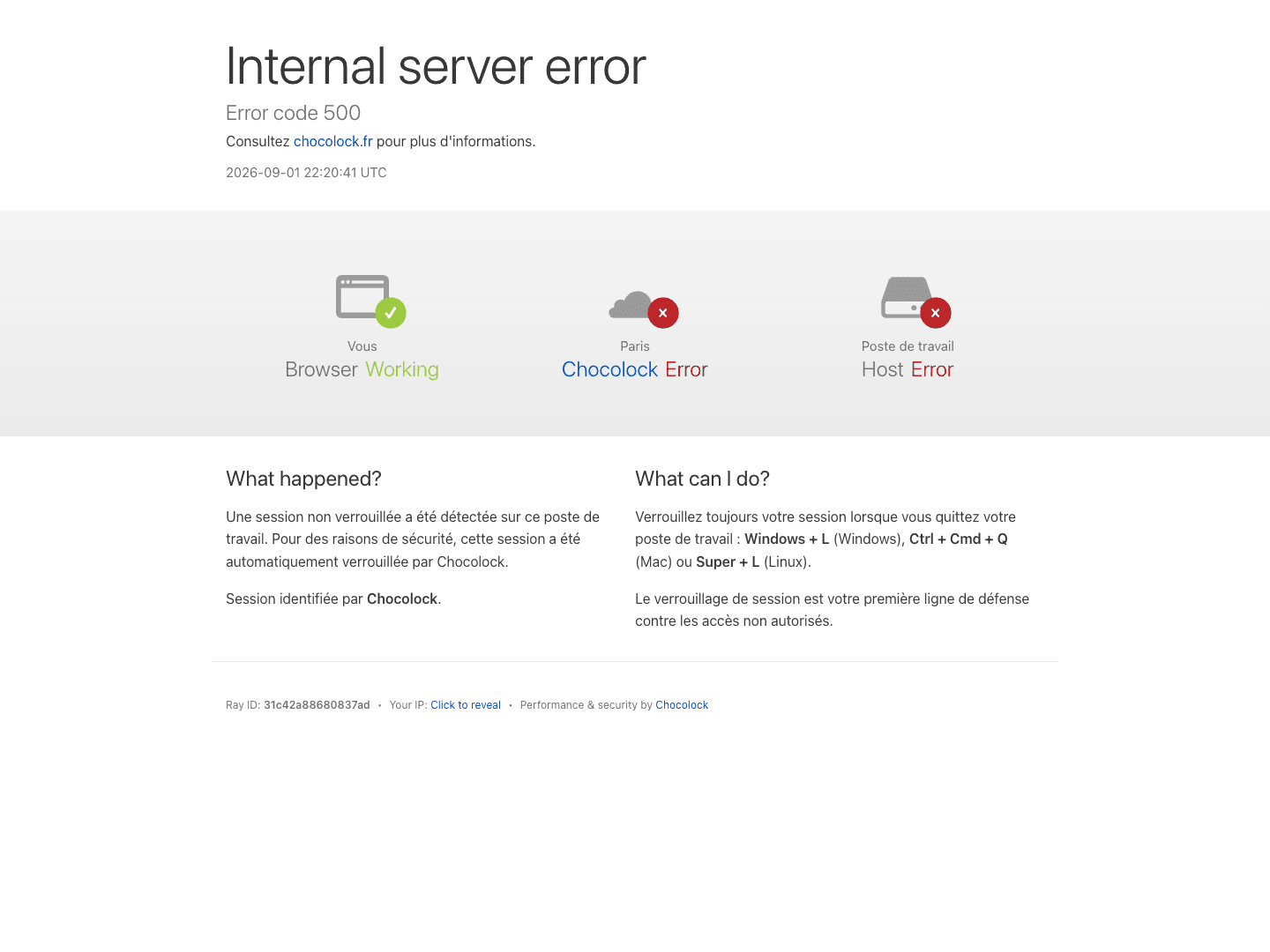
The "checking your browser" page that, this time, never finishes.
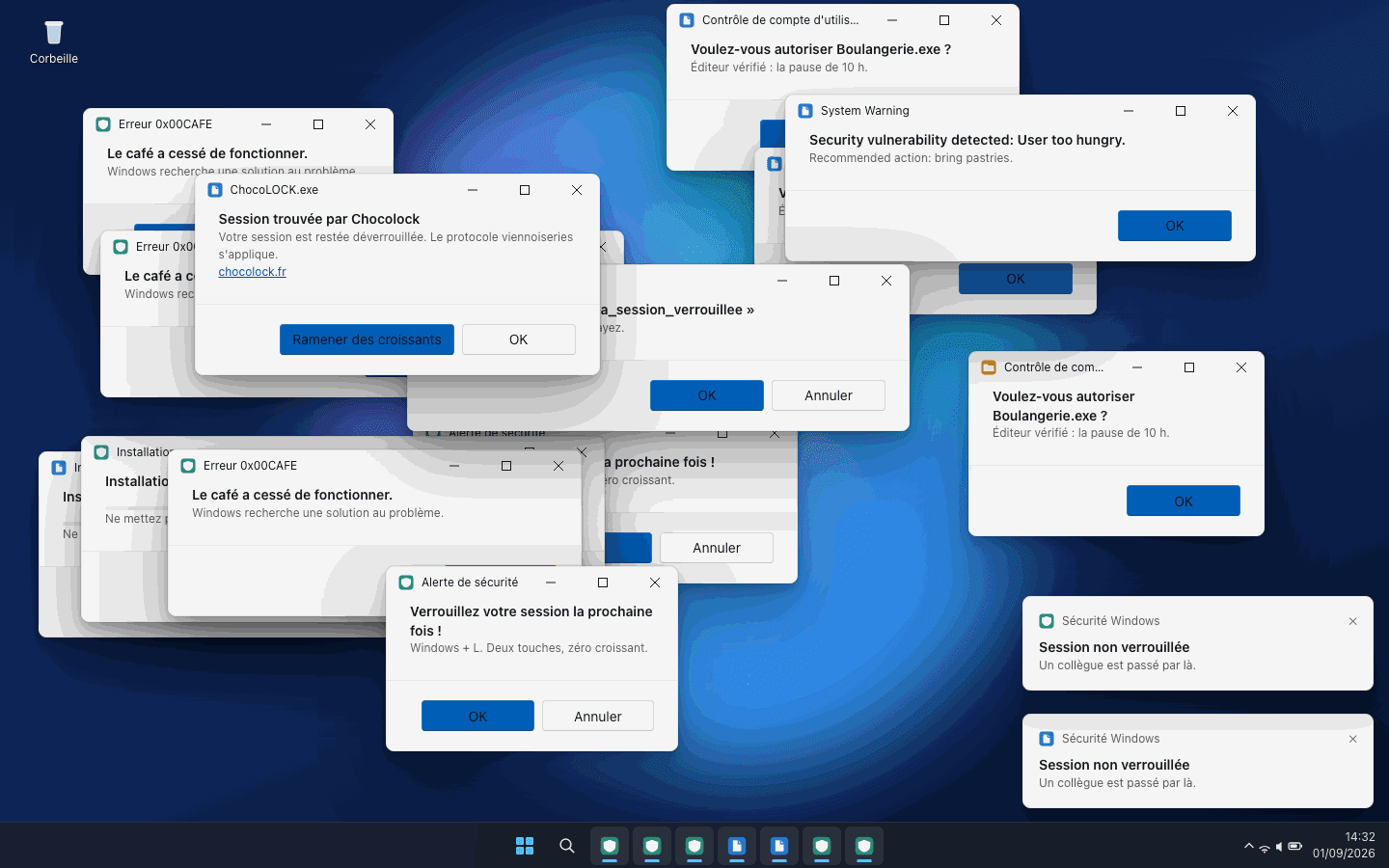
A flood of fake update windows that keep reopening.
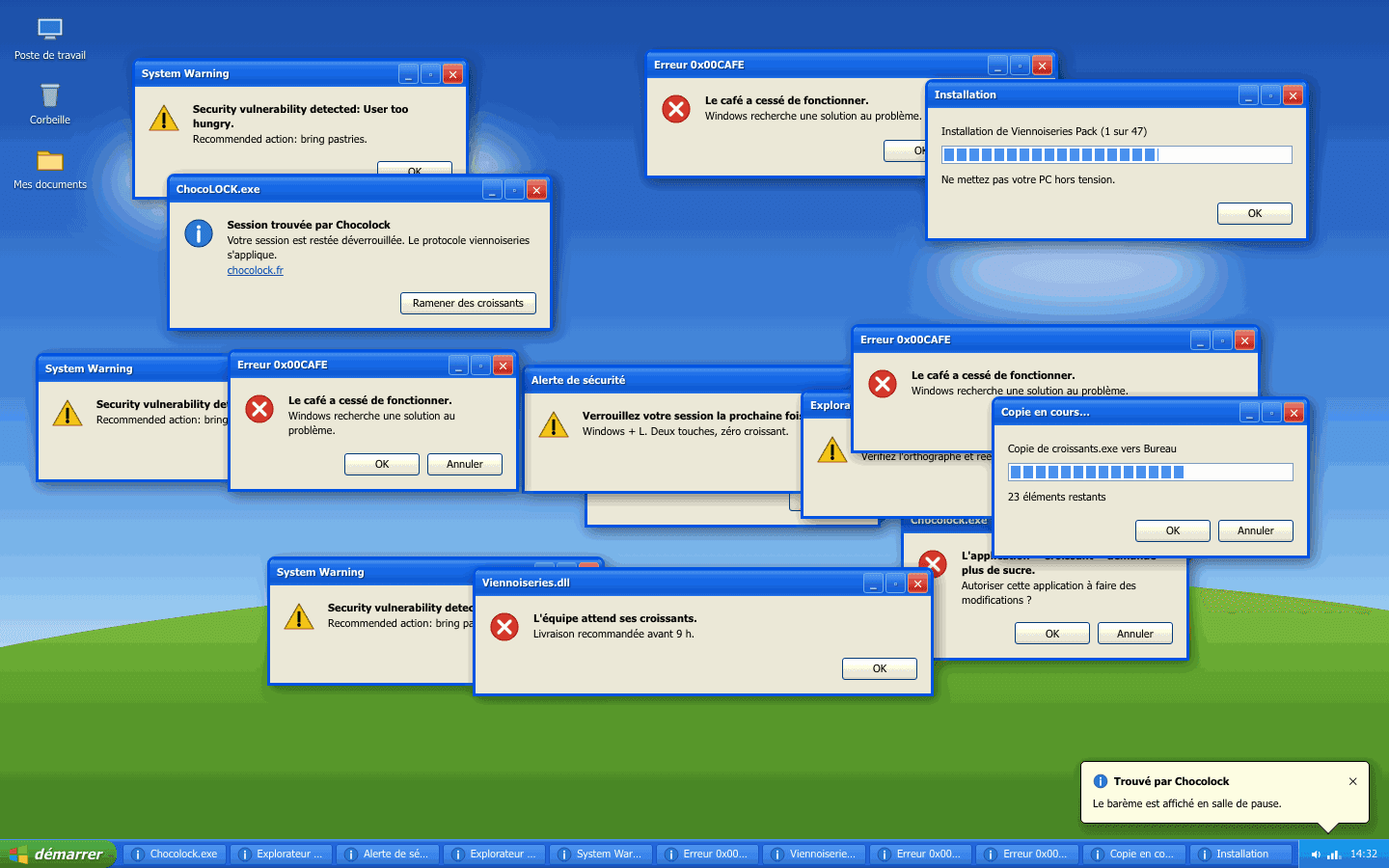
The 2003-era pop-ups are back, in full glory.
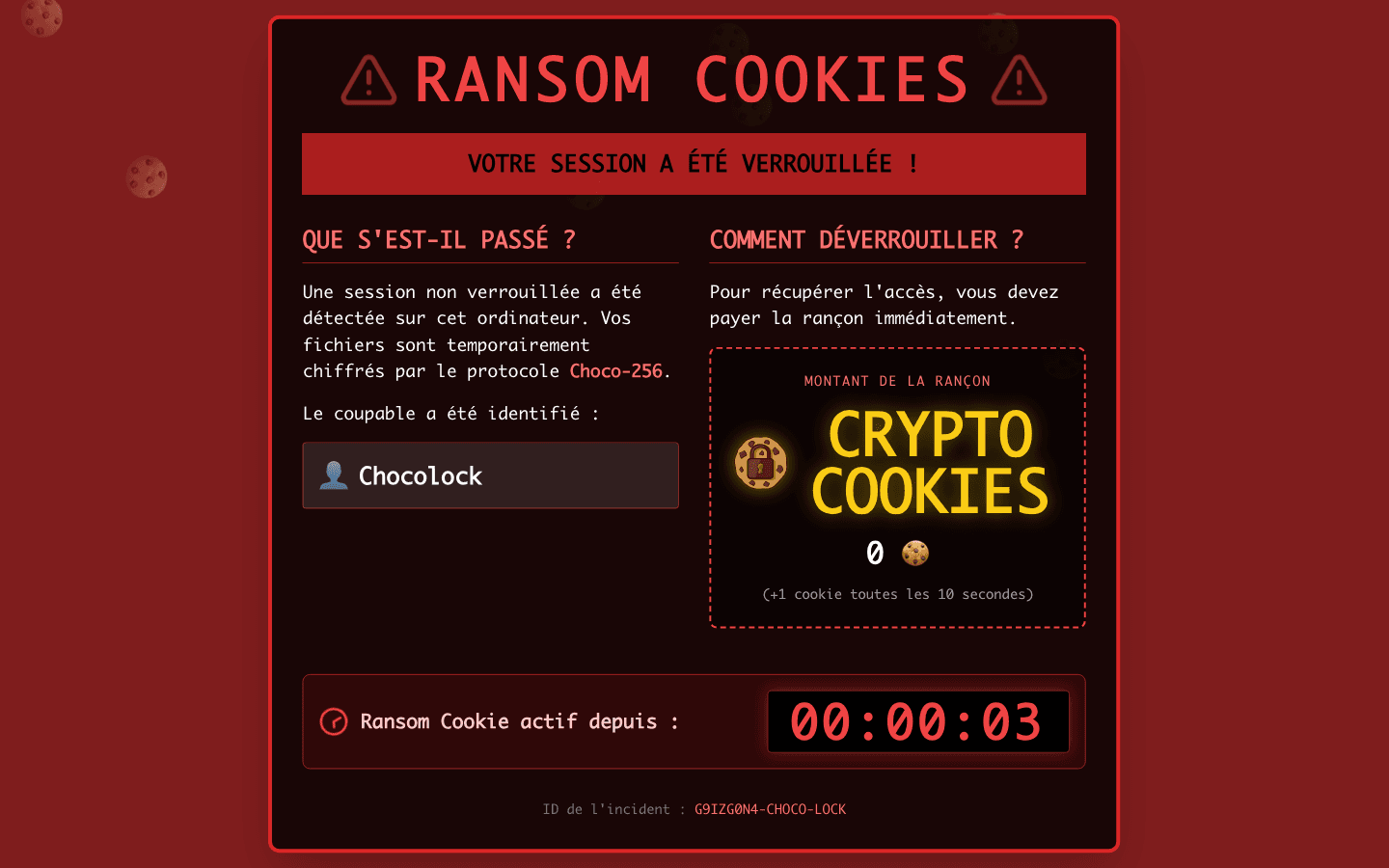
A cookie-hungry fake ransomware. It looks dramatic, it isn't.
Design your own page in the editor and send it like any other style.
Open the editorBuild your lock pages in the editor, with your text, your logos and your internal links.
A QR code or short code triggers the page from your mobile. No need to stay in front of the target's screen.
The phone runs everything. The computer switches the second you confirm, over a live-synced session.
Open ChocoLOCK on the unlocked computer, scan the QR, and let your phone do the rest.