
From the home page
In the first second after landing on chocolock.fr, the main button reads "FLASH". Click it to jump straight to the screen.
FLASH ChocoLOCK
The fastest ChocoLOCK. No name, no type to choose: a single click shows a Red Screen of Death full-screen. For when you only have a few seconds.
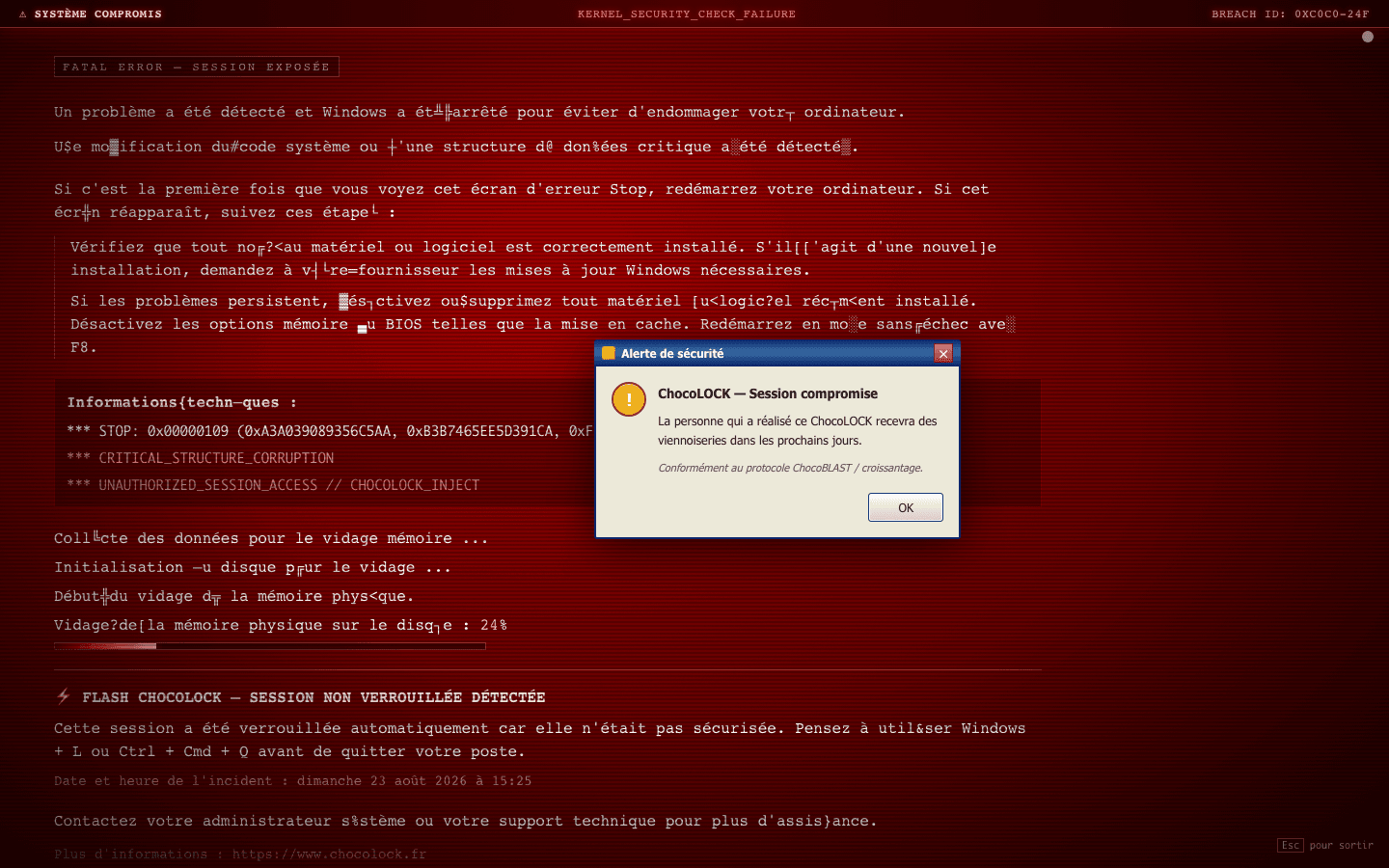
No form, no account, no typing. One click and the red screen fills the display.
A critical-error screen. Serious on screen, harmless for real, and it reminds people to lock their session.
The dedicated /en/flash page, the direct /en/flash/lock link, or the FLASH button on the home page for its first second.
In the first second after landing on chocolock.fr, the main button reads "FLASH". Click it to jump straight to the screen.
chocolock.fr/flash/lock opens the red screen immediately, skipping this page.
Type "chocolock flash" or "croissantage flash" to find this page again.
No account, no form. Launch the red screen now, and get the next ChocoBLAST ready.